


SUPPORT
Update Instructions
Please refer to the following instructions to update your Autel TPMS tool.
-
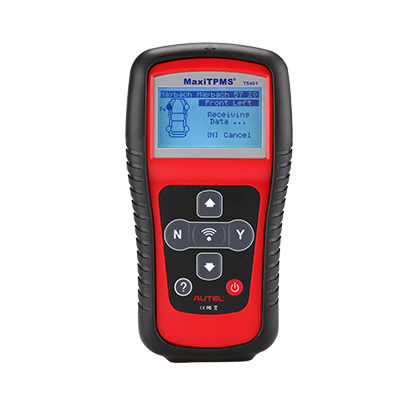
MaxiTPMS TS401
Instruction:
Download the MaxiLink II from www.maxitpms.com and install it to a PC. -
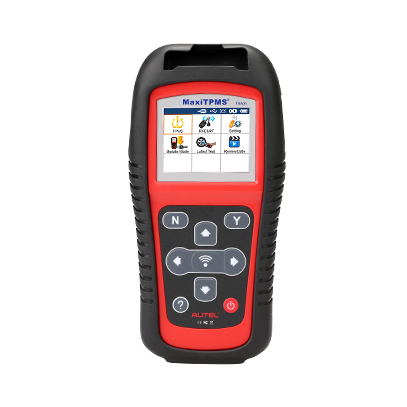
MaxiTPMS TS501
Instruction:
Download the Maxi PC Suite from www.maxitpms.com and install it to a PC. Take out the SD card from your device and insert it to a PC. Run the Maxi PC Suite on the PC and update software as needed. -
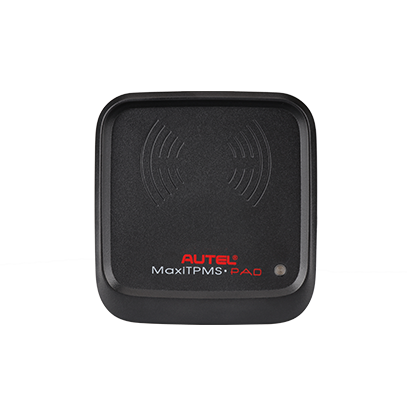
MaxiTPMS Pad
Instruction:
Simply connect your device to a PC with the supplied USB cable and use the client software included on the product CD to update. -
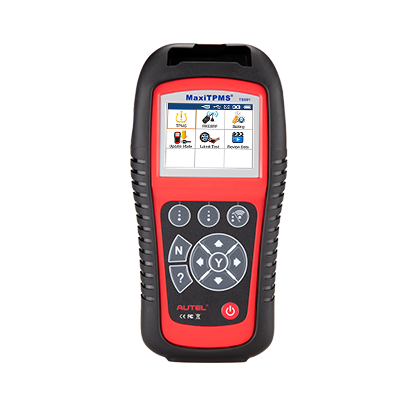
MaxiTPMS TS601
Instruction:
Download the Maxi PC Suite from www.maxitpms.com and install it to a PC. Take out the SD card from your device and insert it to a PC. Run the Maxi PC Suite on the PC and update software as needed. -
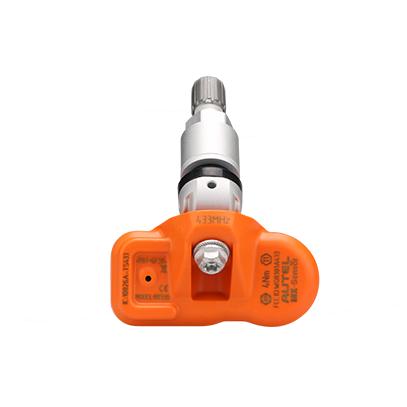
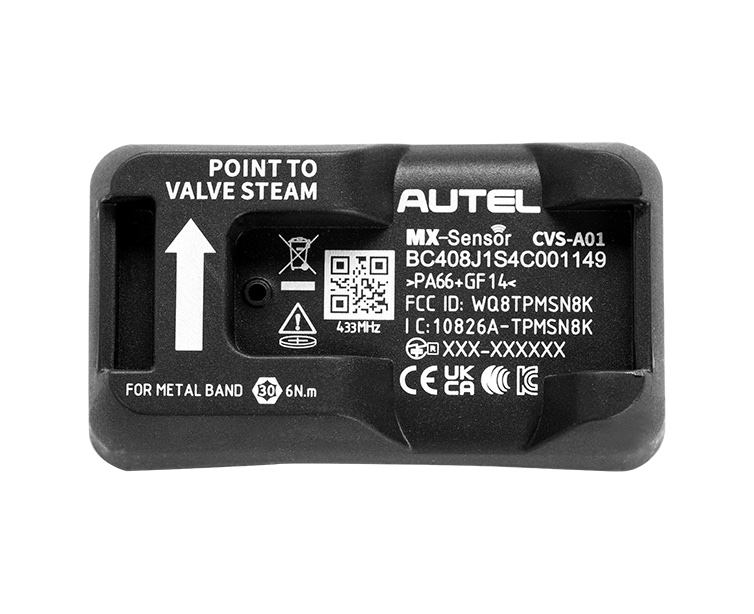
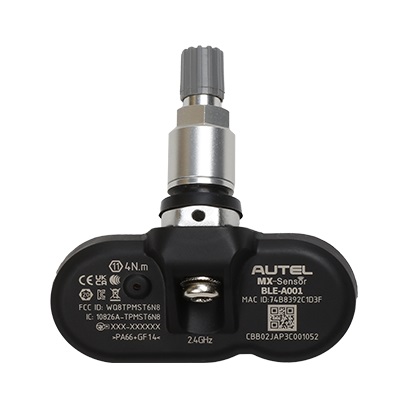
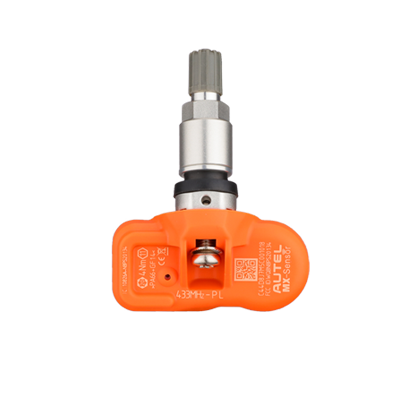
433MHz MX-Sensor M
Instruction:
Program your new MX-Sensor with an updated Autel TPMS tool, and the sensor will be automatically updated. For the MX-Sensor that is already in use, there is no need to update it. -
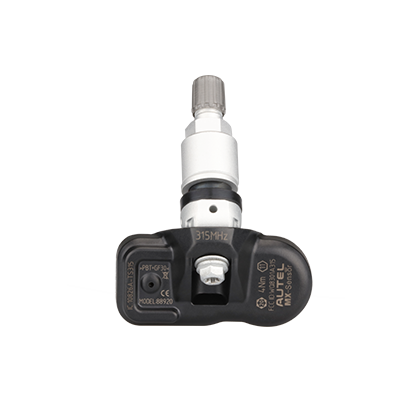
315MHz MX-Sensor M
Instruction:
Program your new MX-Sensor with an updated Autel TPMS tool, and the sensor will be automatically updated. For the MX-Sensor that is already in use, there is no need to update it. -
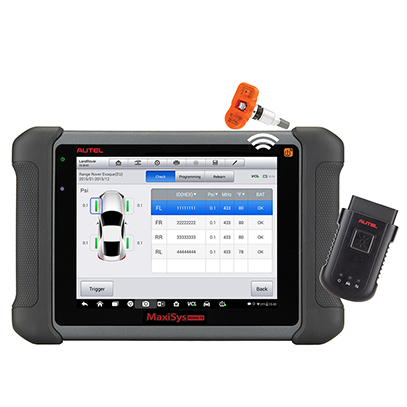
MaxiSYS MS906TS
Instruction:
Power on your MaxiSys 906TS, connect it to the Internet via WiFi and click the Update icon in the MaxiSys system to check if there is any update, and then click the Update button if there is an update available, your device will be automatically updated. -
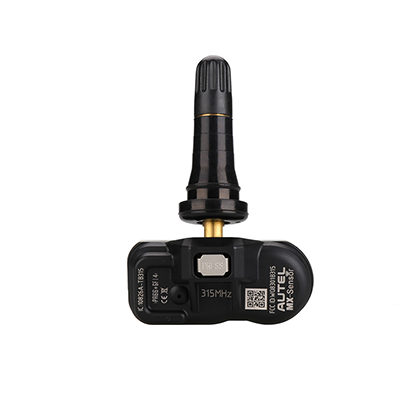
315MHz MX-Sensor R
Instruction:
Program your new MX-Sensor with an updated Autel TPMS tool, and the sensor will be automatically updated. For the MX-Sensor that is already in use, there is no need to update it. -
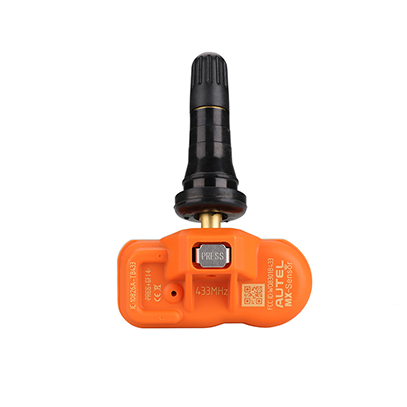
433MHz MX-Sensor R
Instruction:
Program your new MX-Sensor with an updated Autel TPMS tool, and the sensor will be automatically updated. For the MX-Sensor that is already in use, there is no need to update it. -
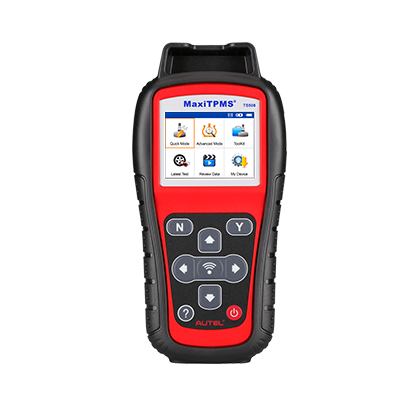
MaxiTPMS TS508
Instruction:
Download the Maxi PC Suite from www.maxitpms.com and install it to a PC. -
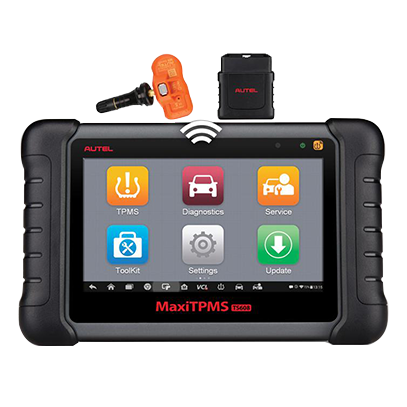
MaxiTPMS TS608
Instruction:
Power on the device, connect it to the Internet via WiFi and click the Update icon in the MaxiTPMS system to check if there is any update, and then click the Update button if there is an update available, your device will be automatically updated. -
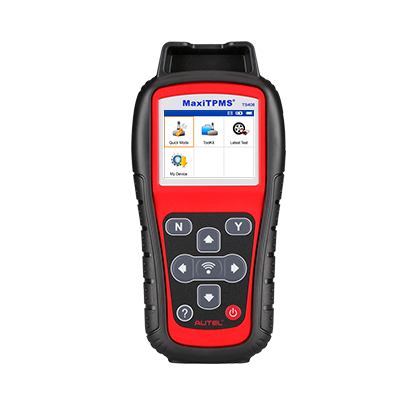
MaxiTPMS TS408
Instruction:
Download the Maxi PC Suite from www.maxitpms.com and install it to a PC. -
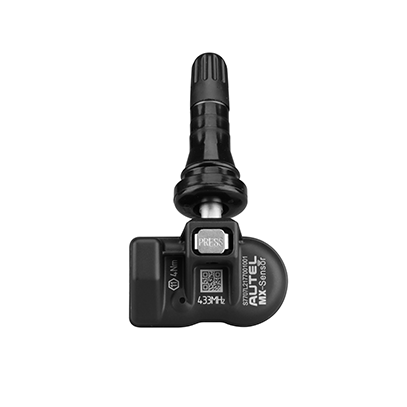
1-Sensor R (Press-..
Instruction:
Program your new MX-Sensor with an updated Autel TPMS tool, and the sensor will be automatically updated. For the MX-Sensor that is already in use, there is no need to update it. -
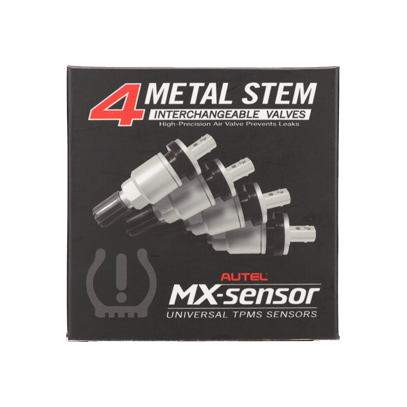
Metal Valve Kit
Instruction:
-
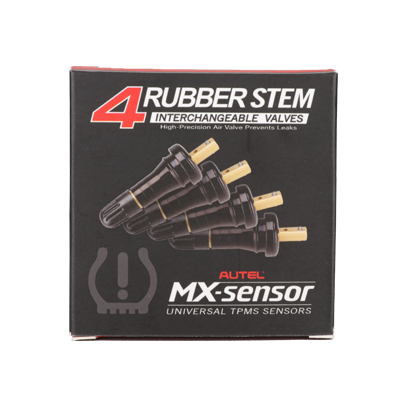
Rubber Valve Kit
Instruction:
-
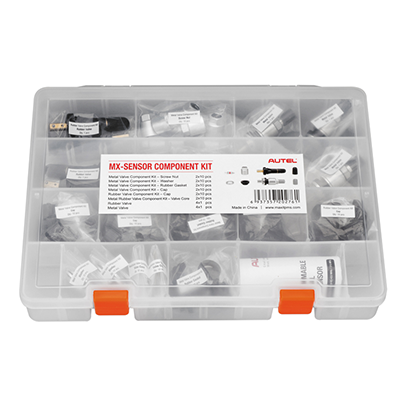
Component Kit
Instruction:
-
MaxiTPMS TS508WF (..
Instruction:
-
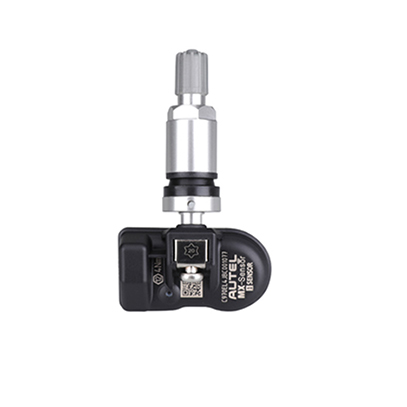
1-Sensor M (Screw..
Instruction:
-
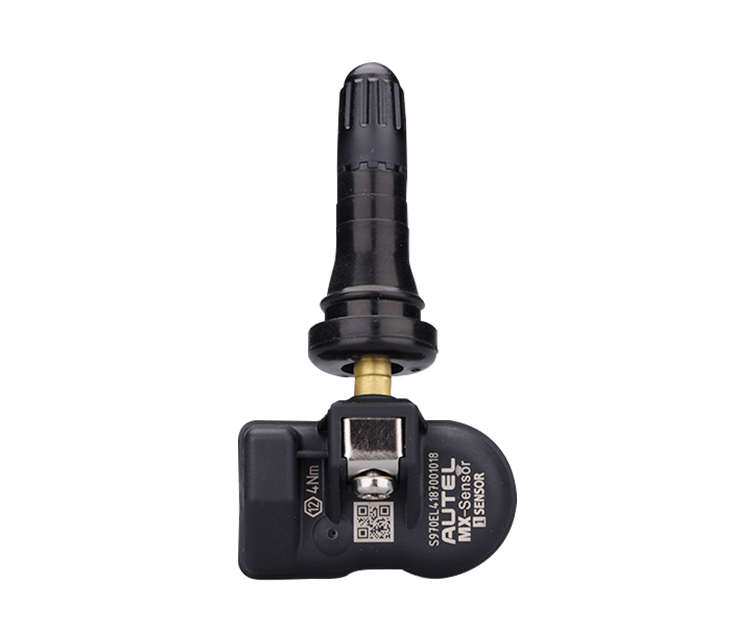
1-Sensor R (Screw-..
Instruction:
-
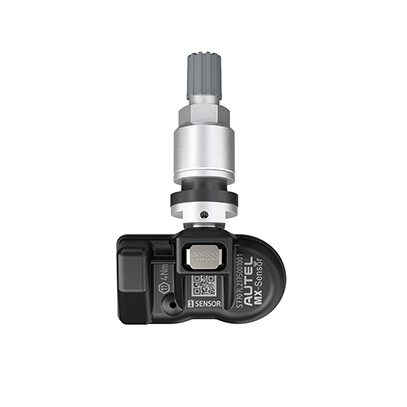
1-Sensor M (Press-..
Instruction:


