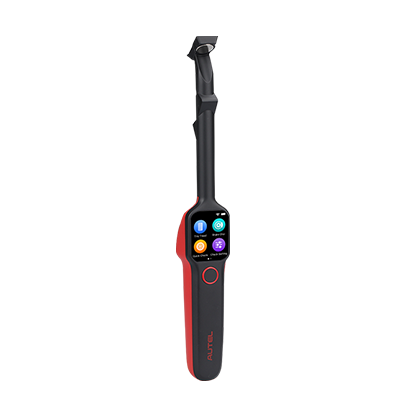
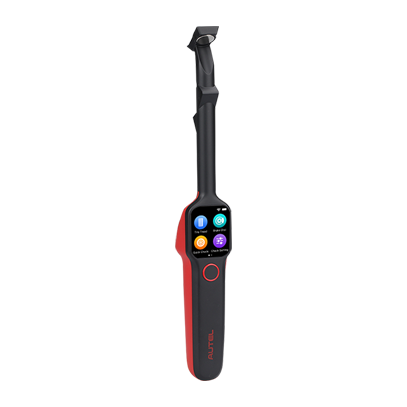
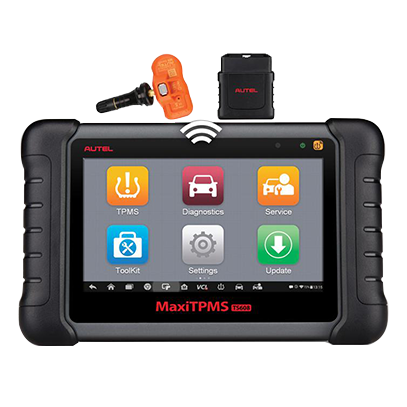
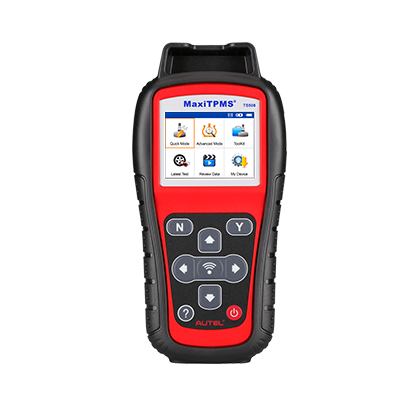
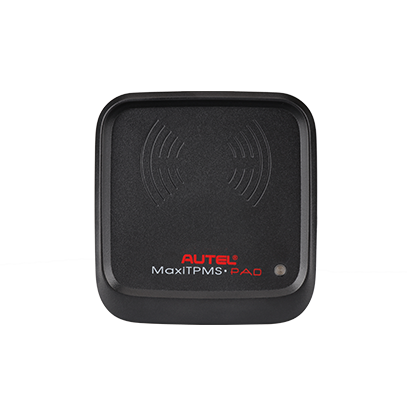
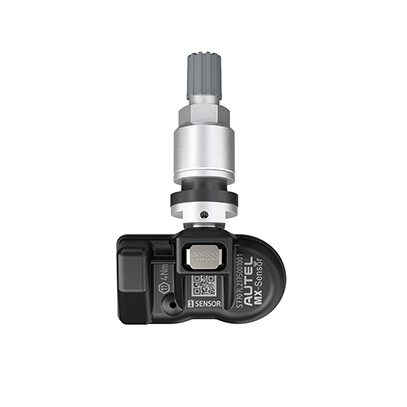
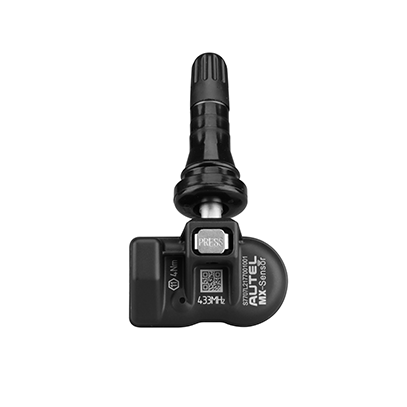
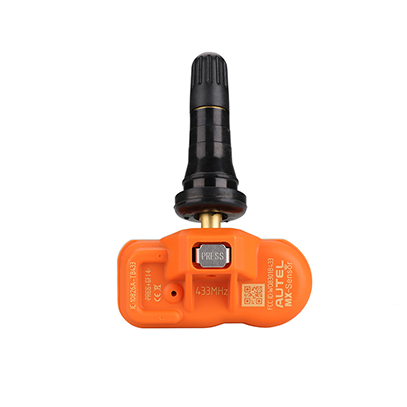
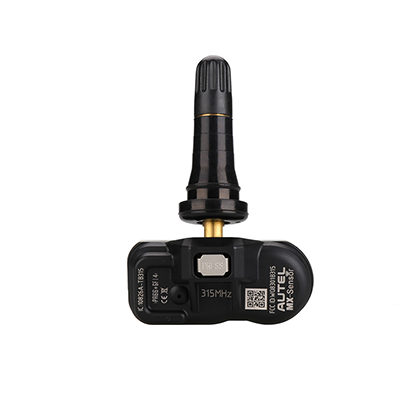
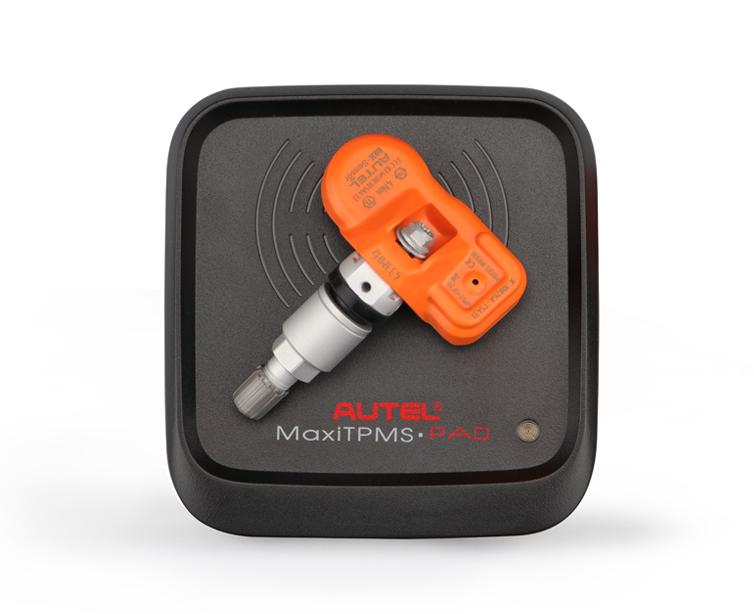


MaxiTPMS Pad (Discontinued in 2022)
TPMS PROGRAMMING ACCESSORY DEVICE
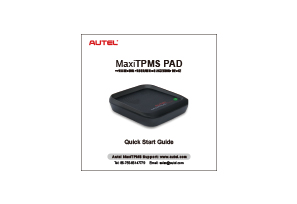
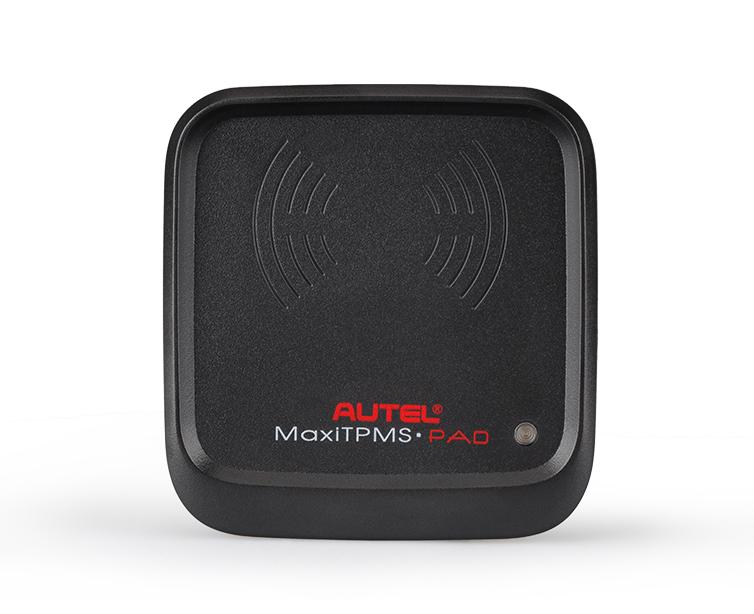
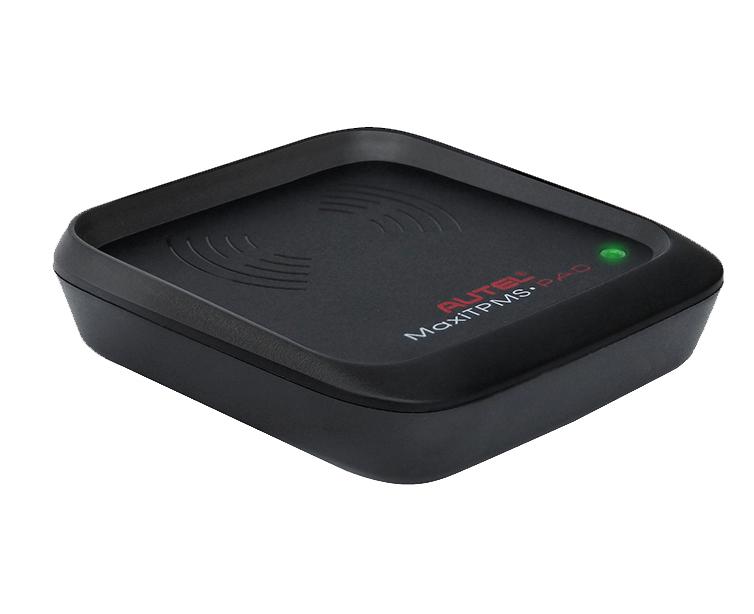
The MaxiTPMS programming accessory device (PAD) is the perfect tool for busy shops, it frees up your TPMS activation tools for important projects. When attached to your Windows based computer,
the easy-to-use MaxiTPMS Pad can test and program all universal Autel MX-Sensor types quickly.
- Description
- Specifications
- Comparison
- Downloads
- Accessories
PROGRAM MX-SENSORS
IN THREE EASY STEPS
1. Install the MaxiTPMS Pad software on your PC
2. Connect the MaxiTPMS Pad to your PC
3. Program Autel MX-Sensors
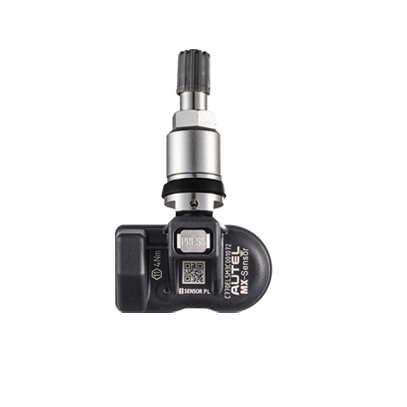
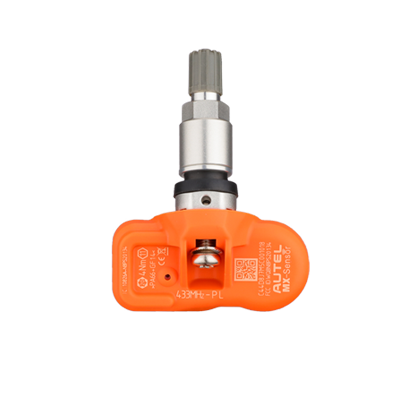
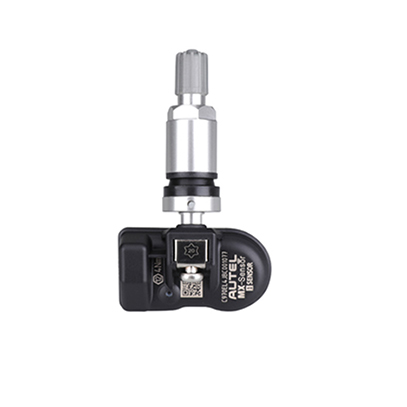
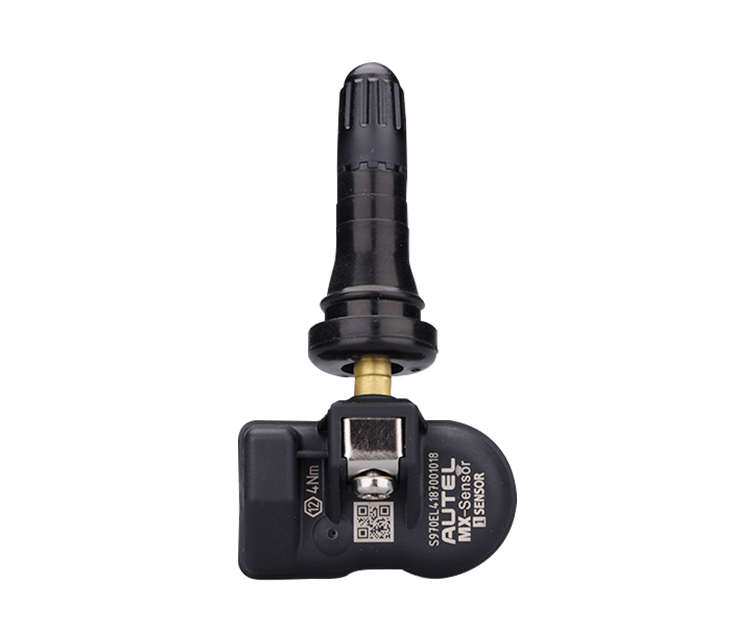
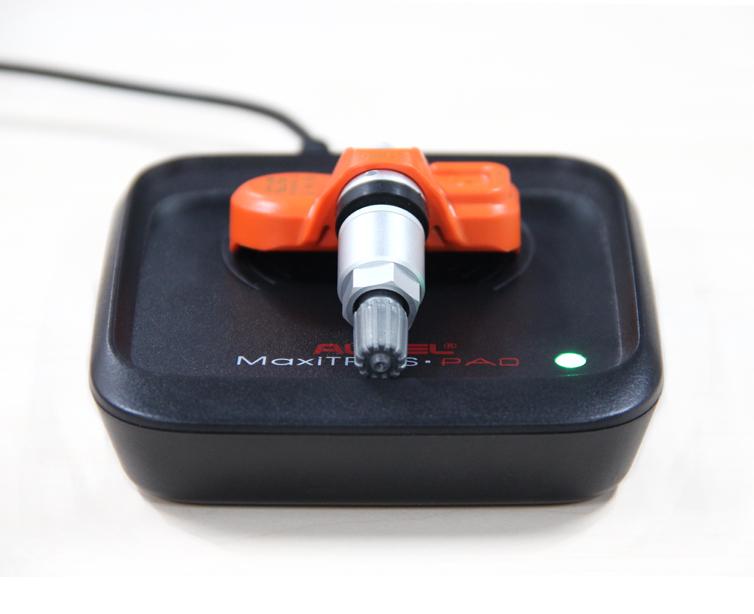
Simply place the Autel MX-Sensor on the top of the MaxiTPMS Pad for efficient MX-Sensor programming.
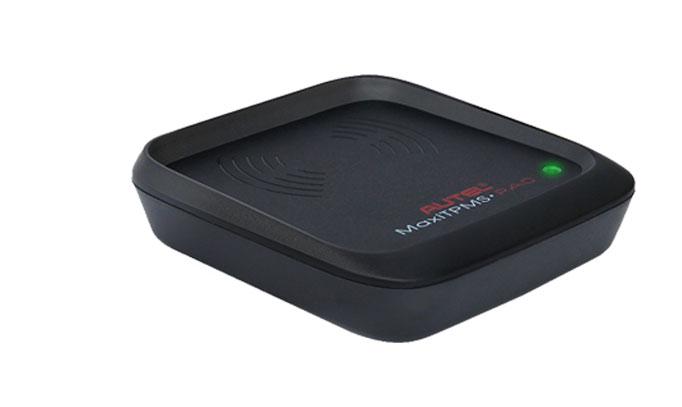
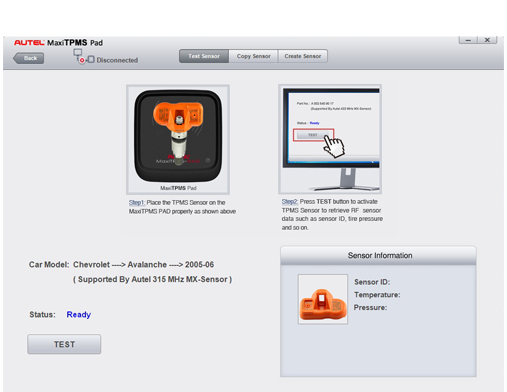
Connect MaxiTPMS PAD to A PC
TPMS senor data can be printed via PC. You can get software update for FREE!
| Power | 5 V / 350 mA |
| Storage Temperature | -20°C to +70°C |
| Operating Temperature | 0°C to +55°C |
| Operating Frequency | 315 MHz & 433 MHz |
| Connectivity | Mini USB 2.0 x 1; Micro USB 2.0 x 1 |
| Dimensions (W x H x D) | 98 mm x 103 mm x 24.7 mm |
| Weight | 107.2 g |
| Warranty | 1 year |
| Software Update | Free |
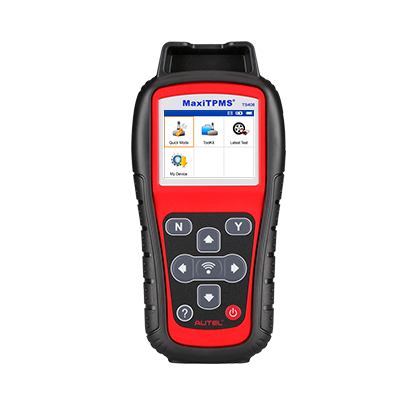
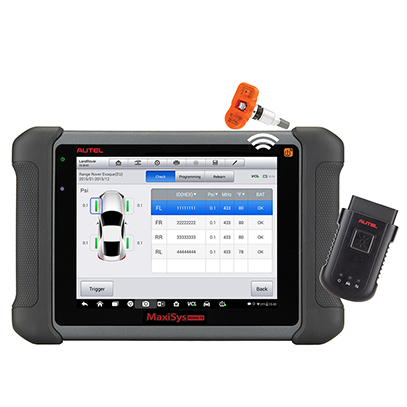
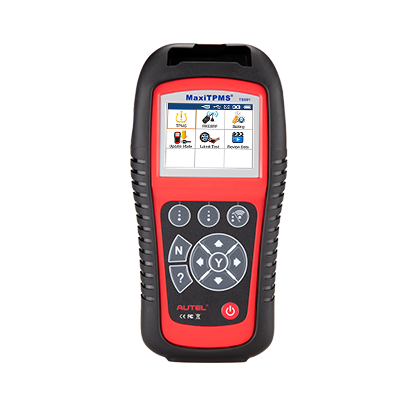
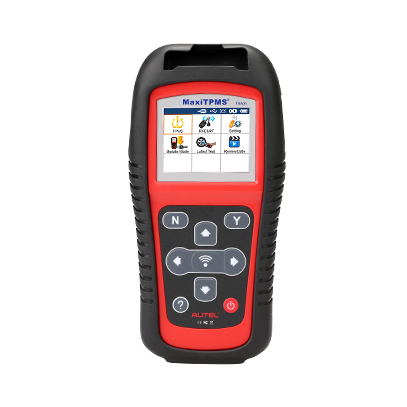
| Comparison | TS608 | MS906 TS | TS601 | TS508 | TS501 | TS408 | TS401 | TPMS PAD | |
|---|---|---|---|---|---|---|---|---|---|
| TPMS function | |||||||||
| Quick Mode & Advance Mode |
![]() |
||||||||
| Activate TPMS sensors |
![]() |
![]() |
![]() |
![]() |
![]() |
![]() |
![]() |
![]() |
|
| Read sensor data |
![]() |
![]() |
![]() |
![]() |
![]() |
![]() |
![]() |
![]() |
|
| TPMS diagnose, one step for complete TPMS health check |
![]() |
![]() |
![]() |
![]() |
![]() |
||||
| Read/clear TPMS DTCs; on-screen DTC description |
![]() |
![]() |
![]() |
![]() |
![]() |
||||
| Scan TPMS sensor ID and copy ID into MX-Sensor |
![]() |
![]() |
![]() |
![]() |
![]() |
![]() |
![]() |
![]() |
|
| Program MX-Sensor by auto creating sensor ID |
![]() |
![]() |
![]() |
![]() |
![]() |
![]() |
![]() |
![]() |
|
| Read Sensor ID by OBD and copy ID into MX-Sensor |
![]() |
![]() |
![]() |
![]() |
![]() |
||||
| Relearn by OBD function |
![]() |
![]() |
![]() |
![]() |
![]() |
||||
| Relearn procedure guide on the tool |
![]() |
![]() |
![]() |
![]() |
![]() |
![]() |
![]() |
||
| Check Key FOB |
![]() |
![]() |
![]() |
![]() |
![]() |
![]() |
|||
| Read TPMS live data |
![]() |
![]() |
![]() |
||||||
| Tire Type/Pressure selection |
![]() |
![]() |
![]() |
![]() |
|||||
| Other TPMS special functions |
![]() |
![]() |
![]() |
||||||
| TPMS Toolkit (other function) |
![]() |
||||||||
| Diagnostic function | |||||||||
| Basic OBDII code reader |
![]() |
![]() |
![]() |
||||||
| Read/clear codes for all electronic systems |
![]() |
![]() |
|||||||
| Support all 10 test modes of the latest J1979 OBDII test specs |
![]() |
![]() |
![]() |
||||||
| Enhanced OBDII Mode 6 |
![]() |
![]() |
![]() |
||||||
| Display live data in text, graph & analog for easy data review |
![]() |
![]() |
|||||||
| Relearn parking brake pad after replacement; |
![]() |
![]() |
|||||||
| Reset Steering Angle Sensor (SAS); |
![]() |
![]() |
|||||||
| Reset service mileage and service intervals; |
![]() |
![]() |
|||||||
| Forced regeneration and adjusting injectors; |
![]() |
![]() |
|||||||
| Support battery registration and reset |
![]() |
![]() |
|||||||
| Support IMMO functions |
![]() |
![]() |
|||||||
| Complete diagnostic function |
![]() |
||||||||
| Tool features | |||||||||
| Built-in rechargeable li-ion battery |
![]() |
![]() |
![]() |
![]() |
![]() |
![]() |
![]() |
||
| Strong housing with protective rubber boot |
![]() |
![]() |
![]() |
![]() |
![]() |
![]() |
![]() |
||
| Print TPMS sensor data via PC |
![]() |
![]() |
![]() |
![]() |
![]() |
![]() |
![]() |
![]() |
|
| Internet updatable | WIFI | WIFI | SD card | USB | SD card | USB | USB | USB | |
| Multilingual support |
![]() |
![]() |
![]() |
![]() |
![]() |
![]() |
![]() |
![]() |
|
| Historical test records |
![]() |
![]() |
![]() |
![]() |
![]() |
![]() |
![]() |
||
| Software Update | 1 year free | 1 year free | free | free | free | free | free | free | |
| Limited one year warranty |
![]() |
![]() |
![]() |
![]() |
![]() |
![]() |
![]() |
![]() |
-
User manual
-
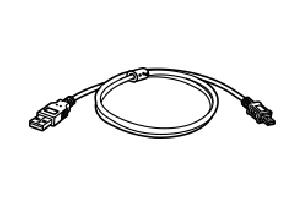
USB cable